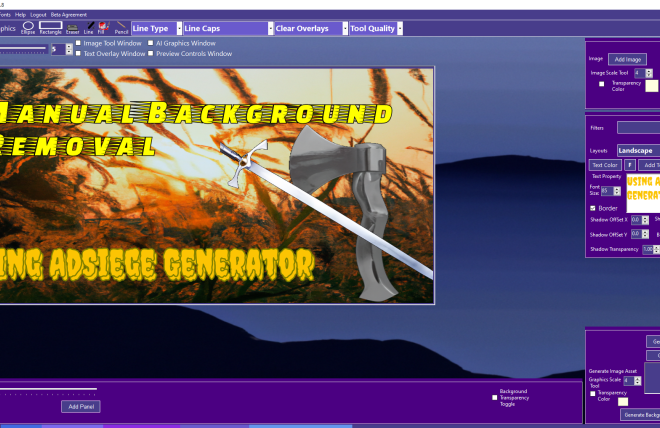
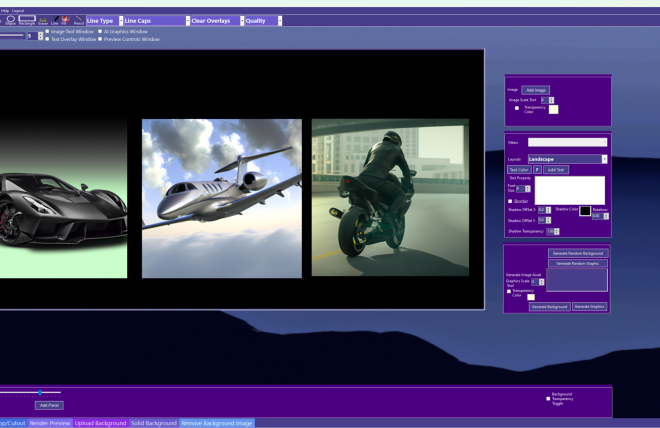
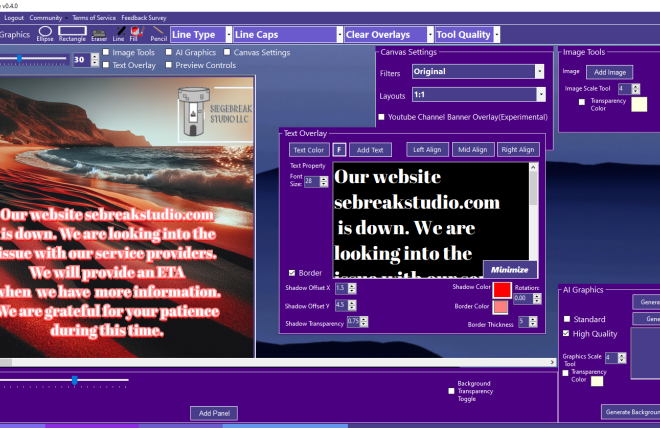
AdSiege Generator 2 Beta Is Here!!!!
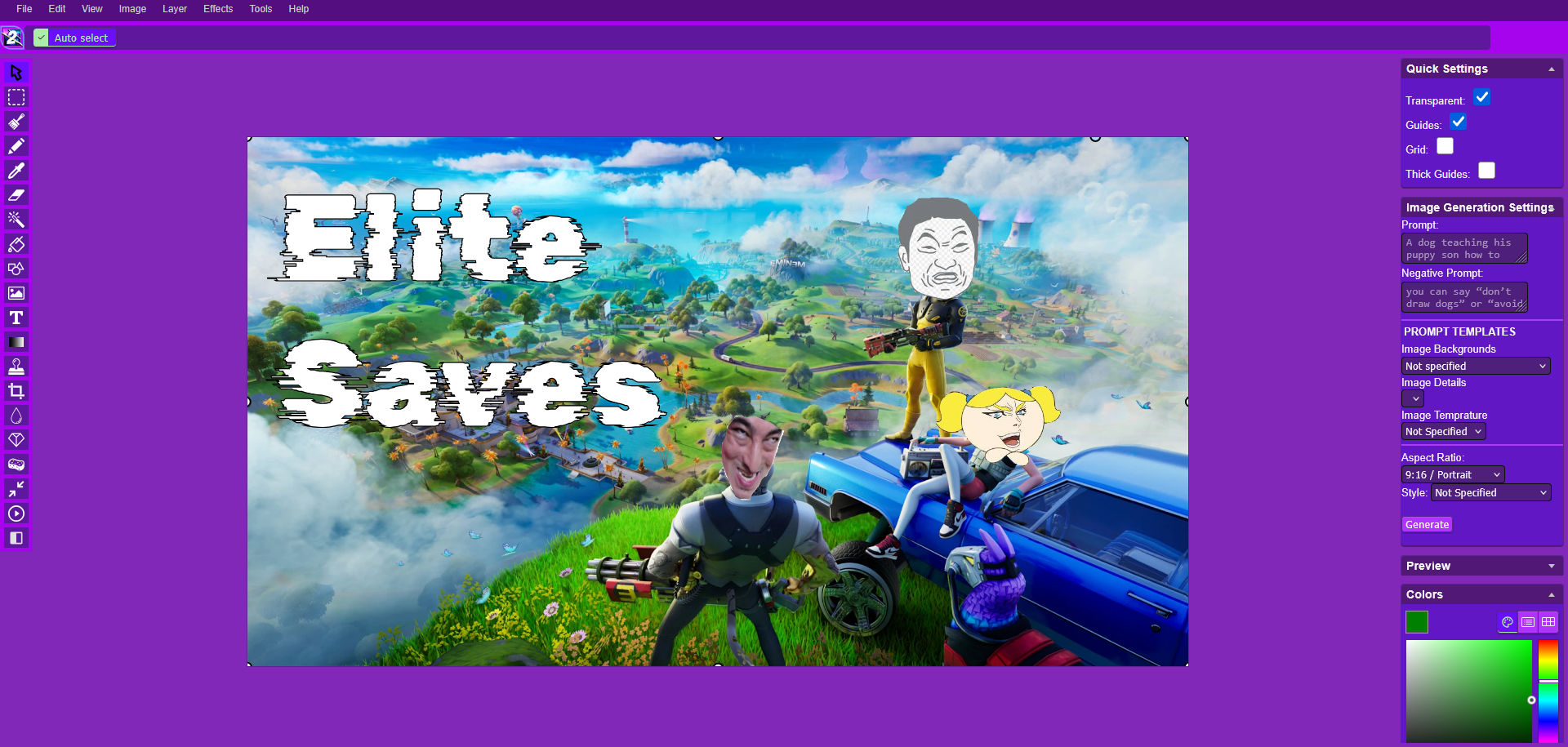
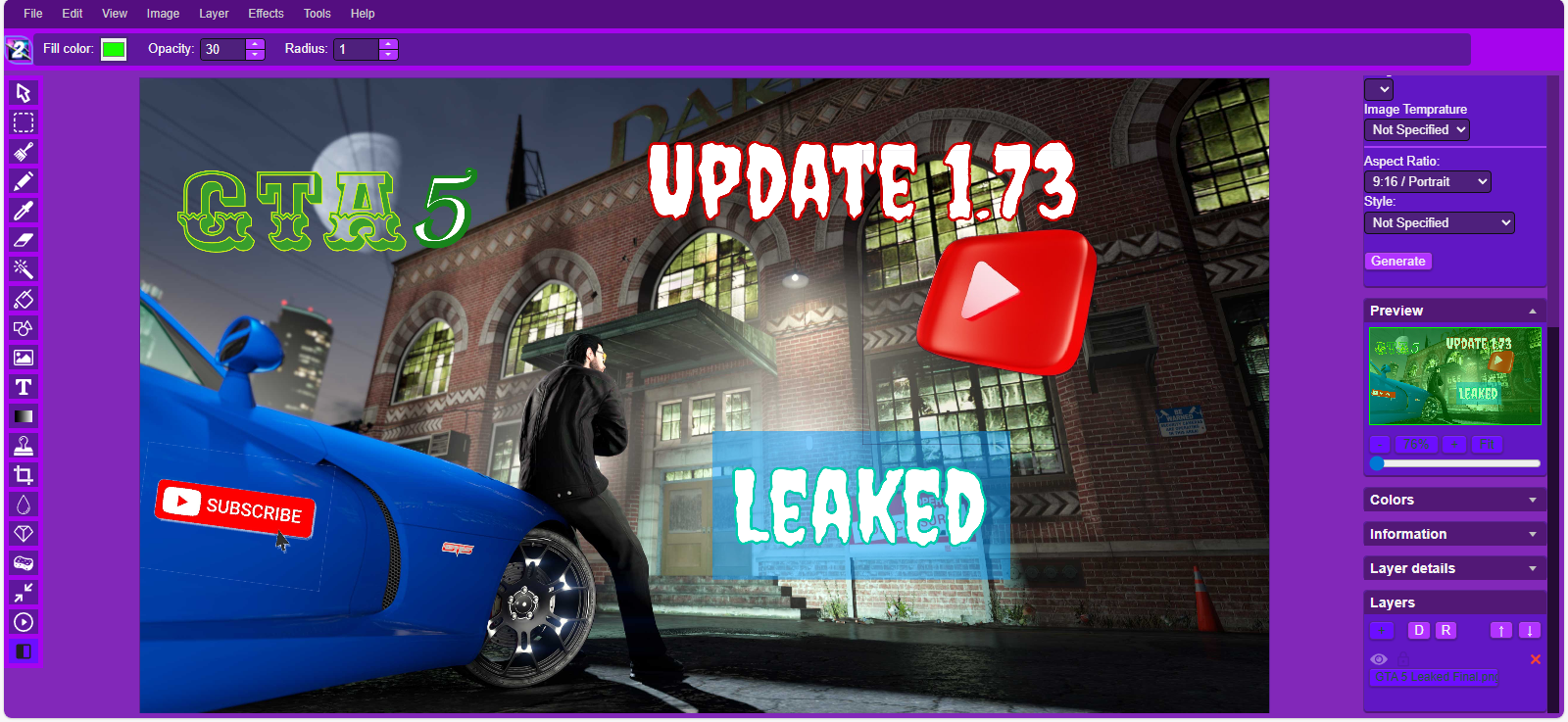
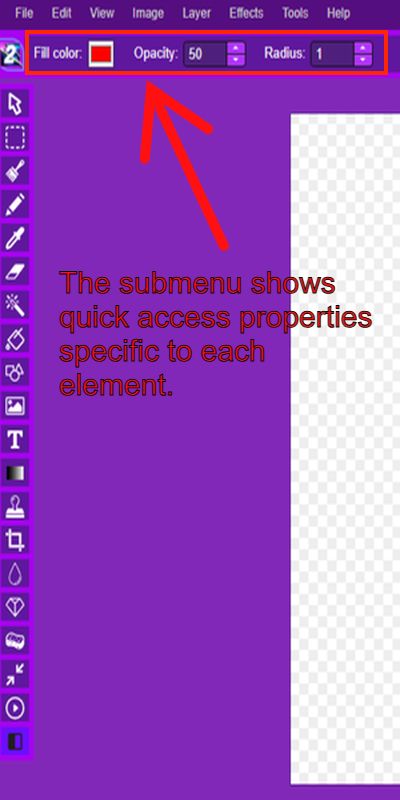
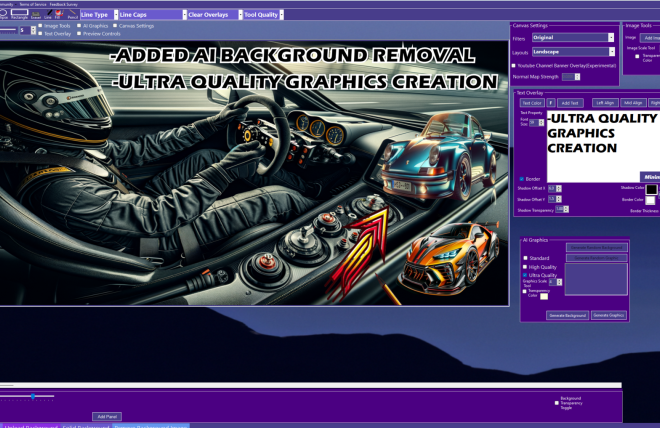
AdSiege Generator 2(ADSG 2) Beta seeks to improve from the original Windows-only release. AdSiege Generator 2 is cross-platform, no longer requiring a download and installation. Everything you could do in AdSiege Generator 1, you can do in ADSG 2 and more, such as Gaussian blur, soft text-shadows, stock images, thousands of searchable fonts, and quicker image processing. The aforementioned features are not the full scope of the new features added. Documentation is being updated on a weekly and or biweekly basis, with new features still in the works.
ADSG 2 Additional info
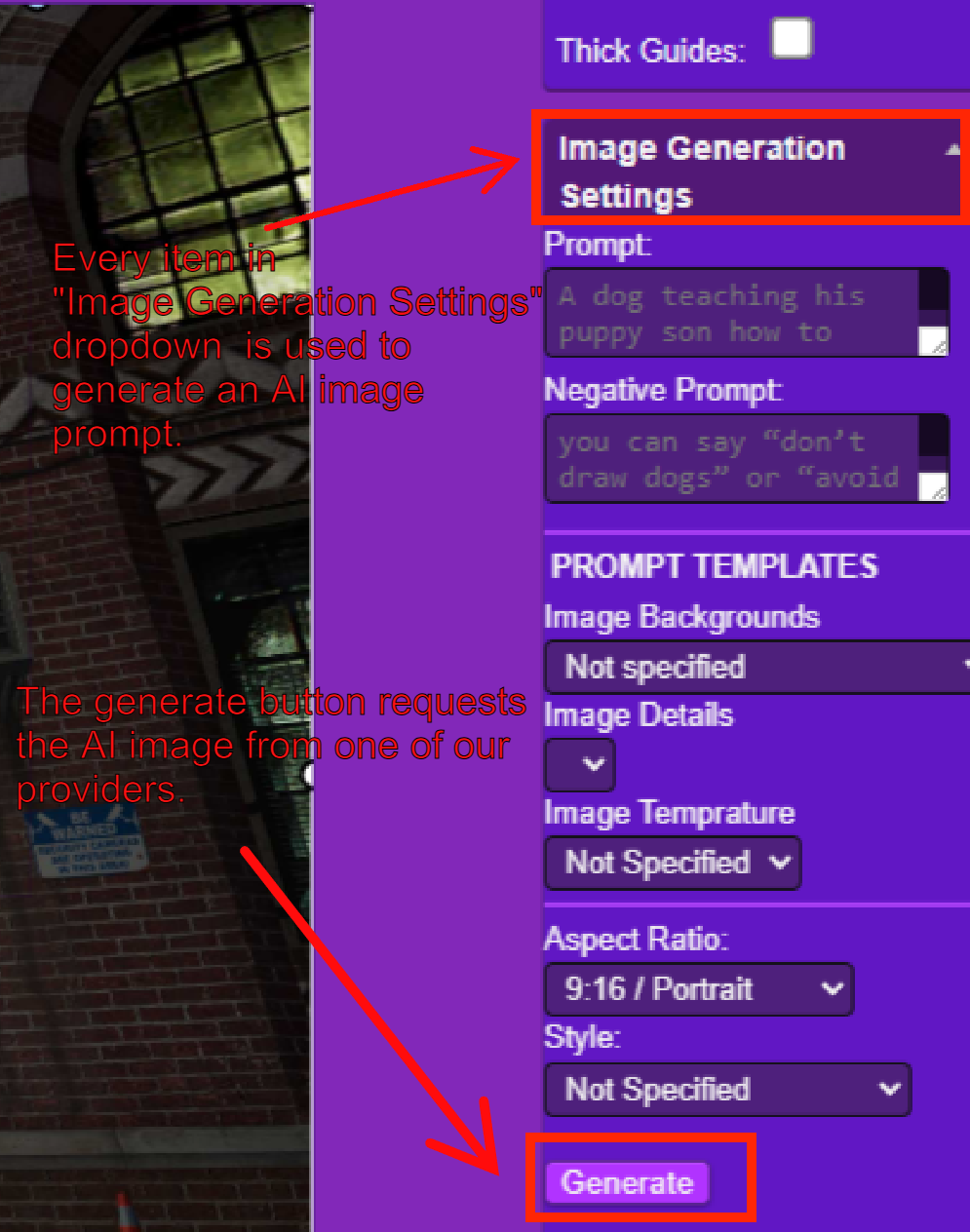
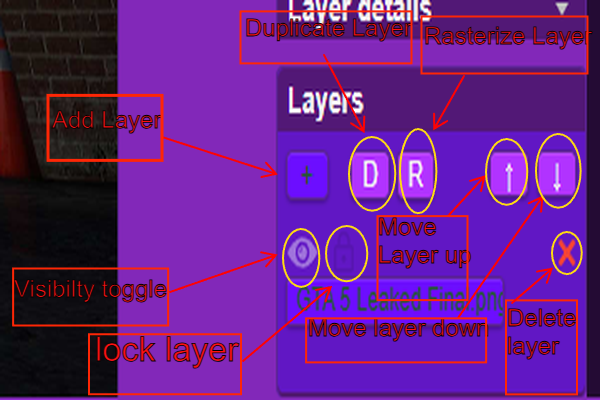
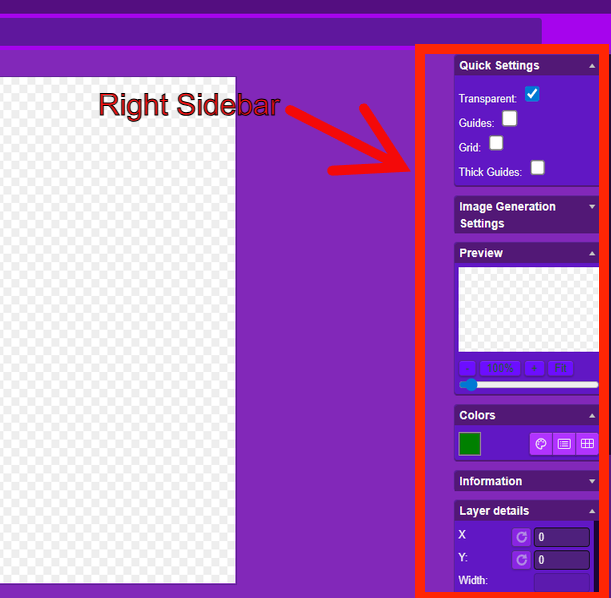
- ADSG 2 is a modified fork from the original miniPaint GitHub repository that was created and modified by Vilius LE. Major upgrades, in addition to the fork, included the normal map effect in the Effects/Common Filters dropdown, AI Image Generations, Quick Settings (Right Sidebar), the Panel tool from ADSG 1, and the lock layers button.
Browser Support:
- Chrome
- Firefox
- Opera
- Edge
- Safari
General Feature Overview
Files: open images, directories, URLs, data URLs, drag and drop, save (PNG, JPG, BMP, WEBP, animated GIF, TIFF, JSON (layers data), print.
Edit: undo, cut, copy, paste, selection, paste from the clipboard.
Image: information, EXIF, trim, zoom, resize (Hermite resample, default resize), rotate, flip, color corrections (brightness, contrast, hue, saturation, luminance), automatic color adjustment, grid, histogram, negative.
Layers: multi-layer system, differences, merging, flattening, and transparency support.
Effects: normal Map, black and white, blur (box, gaussian, stack, zoom), bulge/pinch, denoise, desaturation, dither, dot screen, edge, emboss, enrich, gamma, grains, grayscale, heatmap, jpg compression, mosaic, oil, sepia, sharpen, solarize, tilt shift, vignette, vibrance, vintage, blueprint, night vision, pencil, also instagram filters: 1977, aden, clarendon, gingham, inkwell, lo-fi, toaster, valencia, x-pro ii.
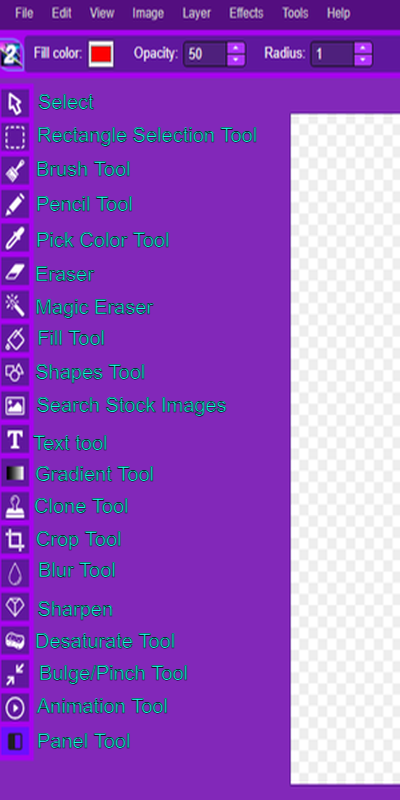
Tools: panel, pencil, brush, magic wand, eraser, fill, color picker, letter, crop, blur, sharpener, desaturation, clone, borders, sprites, keypoints, color zoom, change color, restore transparency, content fill, AI Image Generations
Help: keyboard shortcuts, translation.